
The console that provisions schools, roles and subscriptions
Before a single student is added, someone decides which modules exist, what each role may do, and how billing works. The system console is that layer: modules, roles, permissions and actions are defined here, organisations are provisioned with their multi-school configuration, subscription plans and payment settings are maintained, and audit logs plus system health keep the platform accountable.
- 01Modules in reachWorkflows this role opens most often
- 02Day-one setupFirst hour path so the panel is useful immediately
- 03Platform administrator · System adminWho signs into this panel
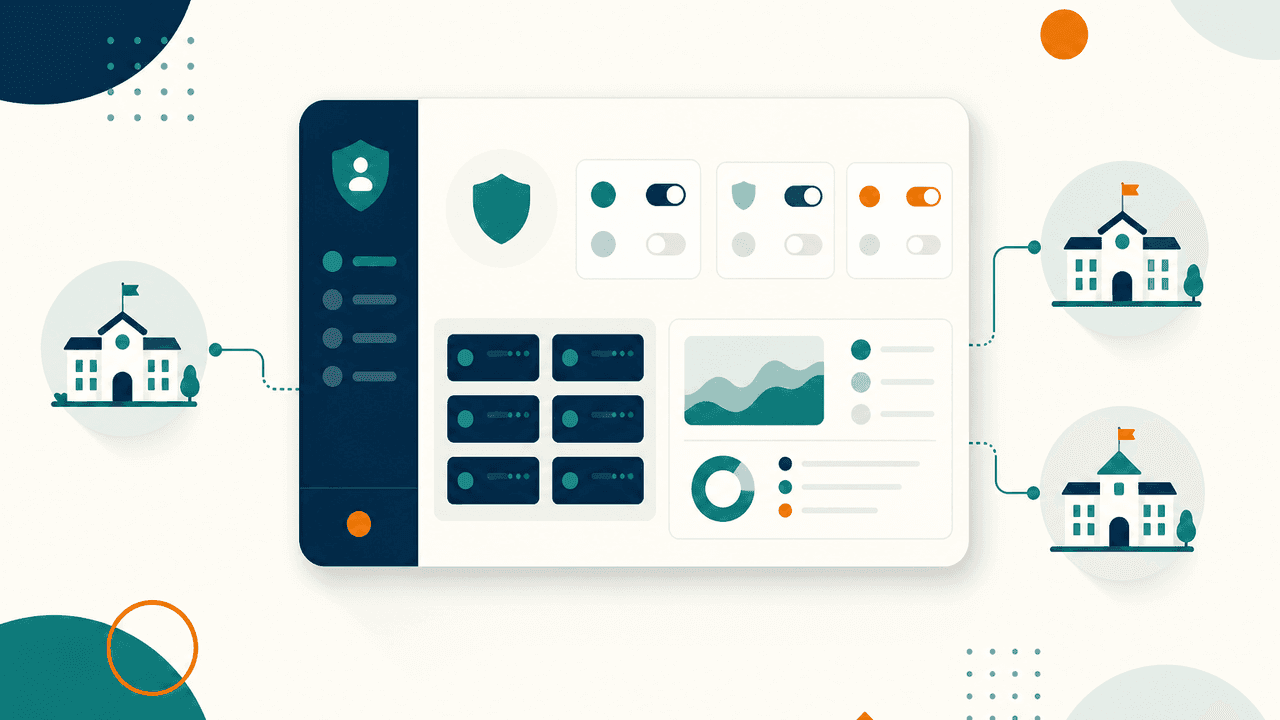
What this panel shows
Each item below is a real screen or workflow in the panel, not a category name.
- Module, role, permission and action definitions
- Organisation provisioning with multi-school configuration
- Subscription plans, add-ons and payment settings
- Invoices, transactions and cash payment requests
- Support and helpdesk queue across tenants
- Audit logs, system health and integration settings
Your first hour here
Implementation follows this order, so the panel is useful on day one rather than after a month of configuration.
- 1Create the organisation and set its multi-school configuration
- 2Attach a subscription plan and payment method
- 3Define which roles the group may delegate
- 4Invite the first organisation admin
Signing in as: Platform administrator, System admin.
Modules behind this panel
The workflows this role opens most
Each card opens the module page for that area, with the capabilities schools ask about most.
Full areas this panel can reach
See the System Admin panel with your own school data
We will load a sample of your classes, staff or fee heads so the walkthrough looks like your school, not a template.
30-minute walkthrough
Booked around your school hours
Run on your own data
Your fee heads, classes and staff roles
No card, no lock-in
Nothing is charged to see the product