

The same school data, shaped for the person looking at it
A principal, an accountant, a class teacher and a parent should never share a screen. KIDUART ships dedicated role panels over one database filtered by role and permission.
Set up in this order
Panels arrive in layers, the same way a school group rolls out
The platform console provisions the organisation, the organisation adds campuses, each campus runs its own school desk, and the classroom, finance, family and student panels sit on top of that structure.
Dedicated user panels
Functional areas
Business workflows
Per-user charges
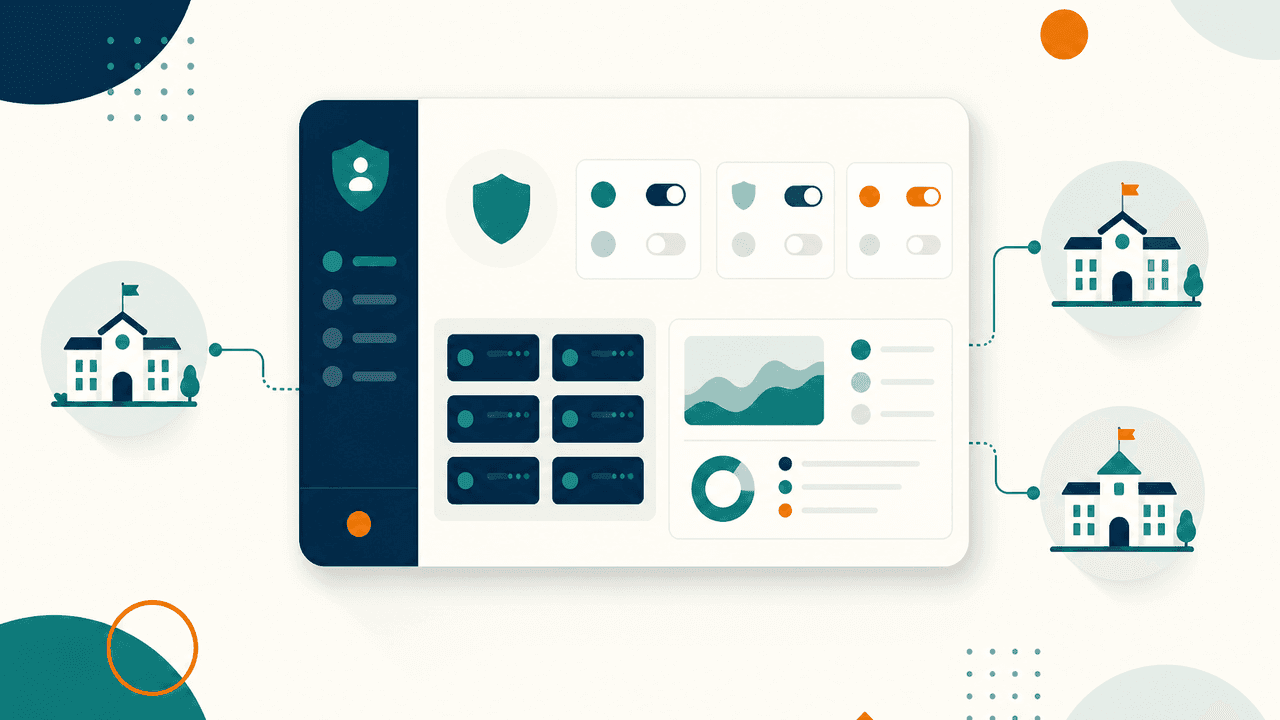 Layer 01 Platform control
System Admin Console
The console that provisions schools, roles and subscriptions
Module and permission definitions, organisation provisioning, subscription plans, payment settings, invoices, audit logs and system health.
- Who signs in
- Platform administrator · System admin
- Modules behind it
- Security & Access · Multi-Campus HQ · Support Desk
 Layer 02 Multi-campus HQ
Organisation Panel
One HQ view across every campus in the group
Organisation dashboard and health analytics, school administration, member management, consolidated cross-school reports and group billing.
- Who signs in
- Organisation owner · Organisation admin · Group manager
- Modules behind it
- Multi-Campus HQ · Reports & Analytics · Support Desk
 Layer 03 Leadership
Director & Leadership View
The weekly picture: academics, attendance and money together
School-wide analytics with academic performance, attendance trends, financial reporting and a custom report builder for board packs.
- Who signs in
- Director · Principal · Vice principal · Trustee
- Modules behind it
- Reports & Analytics · Dashboards · Multi-Campus HQ
 Layer 04 The school desk
School Admin Desk
The operational desk where the school day is actually run
Admissions, student and parent records, classes and sections, staff, fees, communication, library, transport, hostel and facilities in one workspace.
- Who signs in
- School admin · Admin staff · Front office
- Modules behind it
- Admissions · Student Records · Parents · Academics · Communication · Facilities & Assets
 Layer 05 Academic planning
Academic Coordinator Panel
Curriculum, timetable and examinations planned in one panel
Academic calendar and terms, curriculum with syllabus and lesson plans, subject-teacher allocation, timetable and the full examination cycle.
- Who signs in
- Academic coordinator · Head of department · Senior teacher
- Modules behind it
- Academics · Reports & Analytics
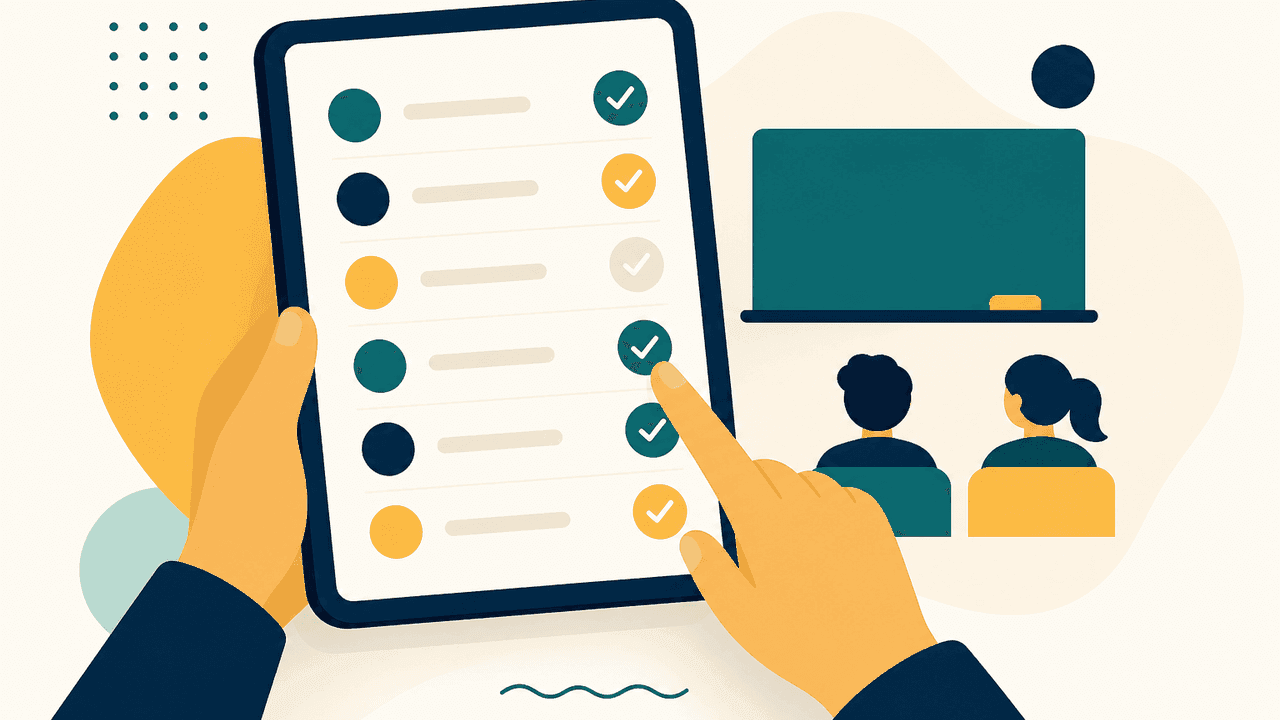 Layer 06 The classroom
Teacher Workspace
Attendance, marks, diary and assignments in a few taps
A deliberately narrow workspace: class attendance, marks entry, class diary, assignments, discipline notes, teacher reports and self-service leave.
- Who signs in
- Teacher · Class teacher · Substitute teacher · Teaching assistant
- Modules behind it
- Academics · HR & Staff · Communication
 Layer 07 Money
Finance & Accounts Panel
The fee book, the counter and the dues list in one panel
Fee heads, structures and templates, concessions, collection with receipts, refunds, online payments, due tracking, expenses and finance reports.
- Who signs in
- Accountant · Finance officer · Clerk
- Modules behind it
- Fees & Finance · Reports & Analytics
 Layer 08 The team
HR & Staff Panel
Staff records, attendance, leave and payroll in one cycle
Teaching and non-teaching directories, departments and designations, staff attendance, leave approvals, payroll processing and performance appraisal.
- Who signs in
- HR staff · Principal · Head of department
- Modules behind it
- HR & Staff · Reports & Analytics
 Layer 09 The family
Parent Portal
Attendance, fees, results and notices without calling the office
A self-service portal covering attendance, fee dues and payments, results, circulars, PTM and transport information for each linked child.
- Who signs in
- Parent · Guardian
- Modules behind it
- Parents · Communication · Fees & Finance
 Layer 10 The learner
Student Portal
Timetable, assignments, attendance and results in one login
Student self-service with timetable, assignment submission, attendance record, results, library borrowings and school notices.
- Who signs in
- Student · Prefect · Head boy or girl
- Modules behind it
- Student Records · Academics · Library
Access is the design, not a setting
Panels are generated from roles and permissions
Navigation is built from what a role is entitled to open, so a teacher never sees payroll and a parent only sees their own children. Sessions, multi-factor authentication, IP and geo controls sit underneath every panel.
Ask for a demo in the panel your team will actually use
Tell us the roles joining the call and we will open those panels not a generic admin tour.
30-minute walkthrough
Booked around your school hours
Run on your own data
Your fee heads, classes and staff roles
No card, no lock-in
Nothing is charged to see the product