
Attendance, marks, diary and assignments in a few taps
Teachers should not need training to use school software. The teacher workspace shows only the classes they own: attendance marking for the period, marks entry for their subjects, class diary and homework log, assignments with submissions, discipline notes, PTM slots, and their own leave and profile through the teacher portal.
- 01Modules in reachWorkflows this role opens most often
- 02Day-one setupFirst hour path so the panel is useful immediately
- 03Teacher · Class teacher · Substitute teacher · Teaching assistantWho signs into this panel
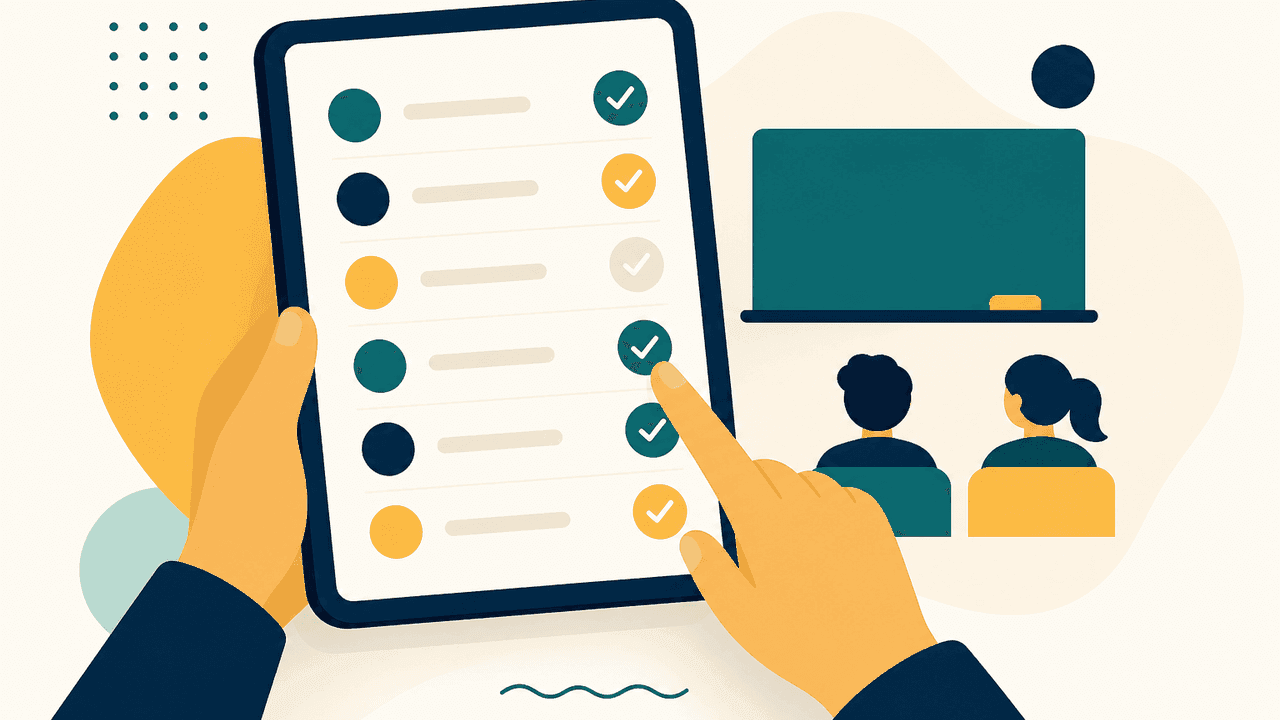
What this panel shows
Each item below is a real screen or workflow in the panel, not a category name.
- Teacher dashboard for today's classes
- One-tap student attendance marking
- Marks entry for allocated subjects
- Class diary and homework log entries
- Assignment creation and submission tracking
- Own leave requests, profile and teacher reports
Your first hour here
Implementation follows this order, so the panel is useful on day one rather than after a month of configuration.
- 1Open today's timetable and mark attendance
- 2Post the class diary entry
- 3Create an assignment for the section
- 4Enter marks for a completed assessment
Signing in as: Teacher, Class teacher, Substitute teacher, Teaching assistant.
Modules behind this panel
The workflows this role opens most
Each card opens the module page for that area, with the capabilities schools ask about most.
Full areas this panel can reach
See the Teacher panel with your own school data
We will load a sample of your classes, staff or fee heads so the walkthrough looks like your school, not a template.
30-minute walkthrough
Booked around your school hours
Run on your own data
Your fee heads, classes and staff roles
No card, no lock-in
Nothing is charged to see the product